

Shape Worksheets Template Overview
Let's face it, creating an invoice from scratch can be a real headache, especially when you're running a cleaning service and need to get paid quickly - that's where a cleaning service invoice template word comes in handy. Honestly, who has the time to design an invoice that looks professional and includes all the necessary details?
The truth is, a well-designed invoice can make all the difference in getting paid on time, and here's the thing, it's not just about slapping some numbers and descriptions together - it's about presenting your business in a professional light. Look, as a business owner, you know how important it is to get paid quickly and efficiently.
Real talk, a good invoice template can be a lifesaver, and that's what we're going to explore - how to create or find the perfect cleaning service invoice template that works for you, so you can focus on what matters most: running your business and providing excellent service to your clients.
So, what's the hold up - let's dive in and find out how a simple template can streamline your invoicing process and get you paid faster, it's amazing how something so simple can have such a big impact on your business, and I mean, who doesn't love getting paid quickly?
The Part of Cleaning Service Invoicing Most People Get Wrong
When it comes to creating an invoice for your cleaning services, it's easy to get caught up in the details of accurate pricing and clear descriptions of work completed. However, one crucial aspect that often gets overlooked is the presentation of the invoice itself. A well-designed invoice can make a significant difference in how professional your business appears to clients. Here's what nobody tells you: the way you present your invoice can actually impact how quickly you get paid. Think about it, and yes, that actually matters, because who doesn't want to get paid on time?
Understanding the Importance of Invoice Templates
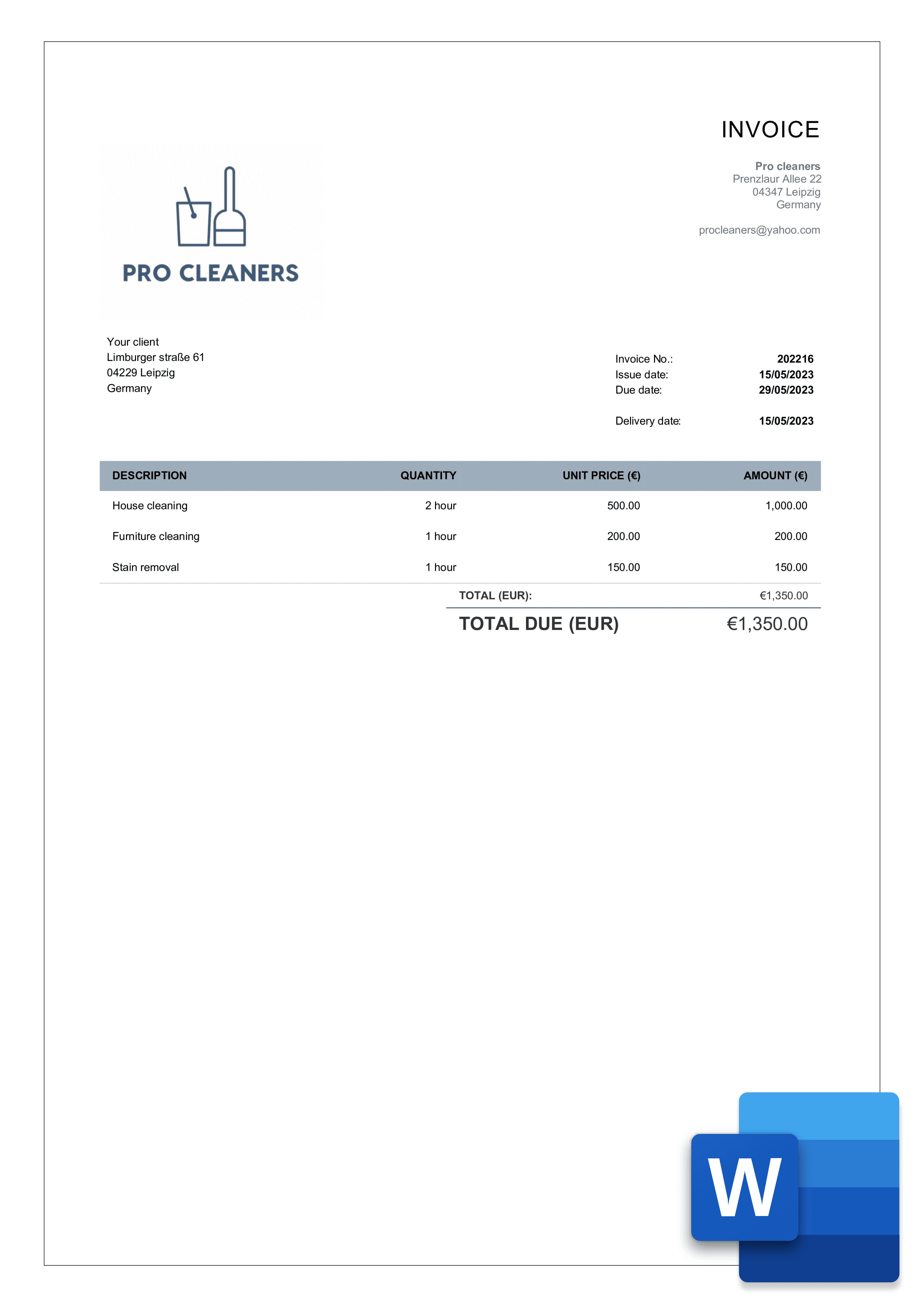
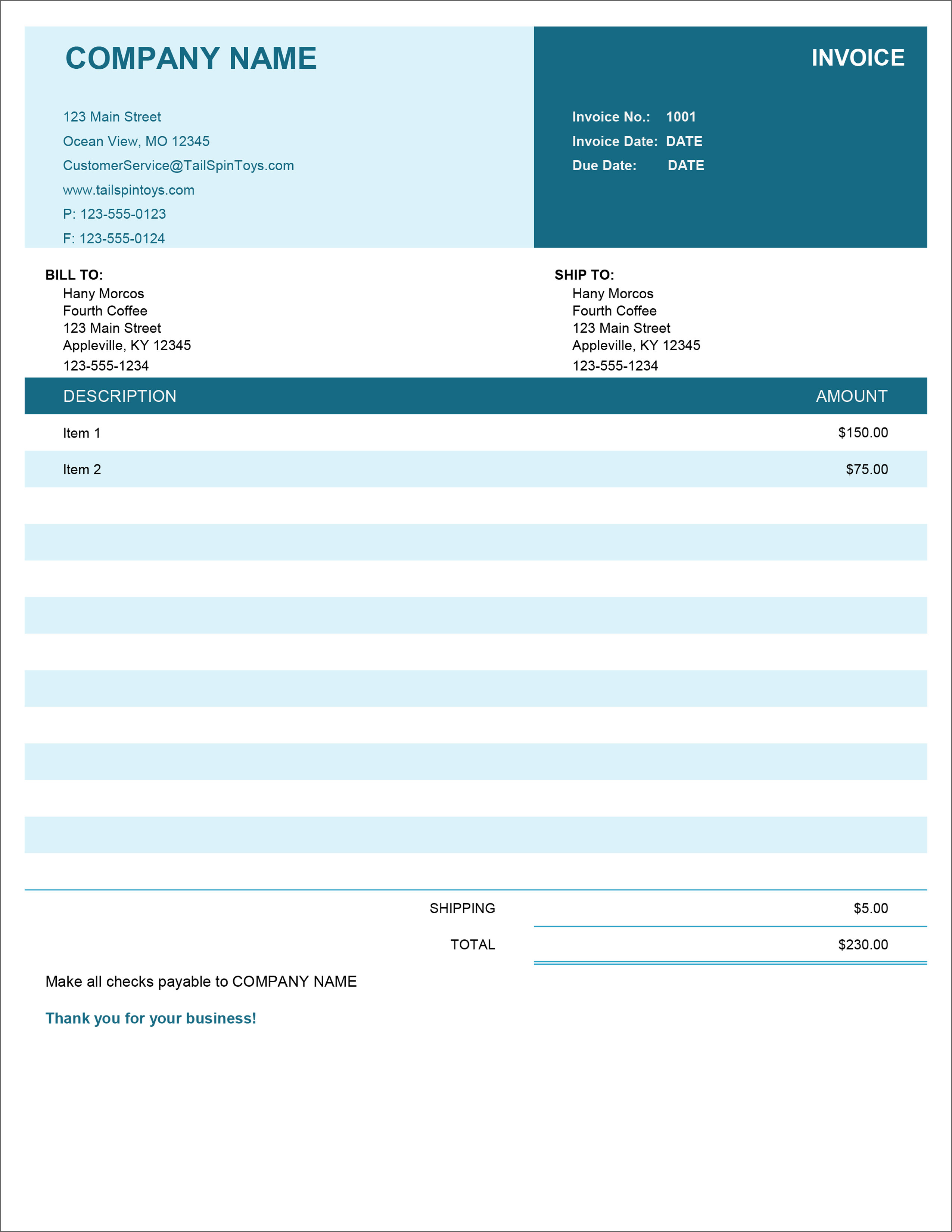
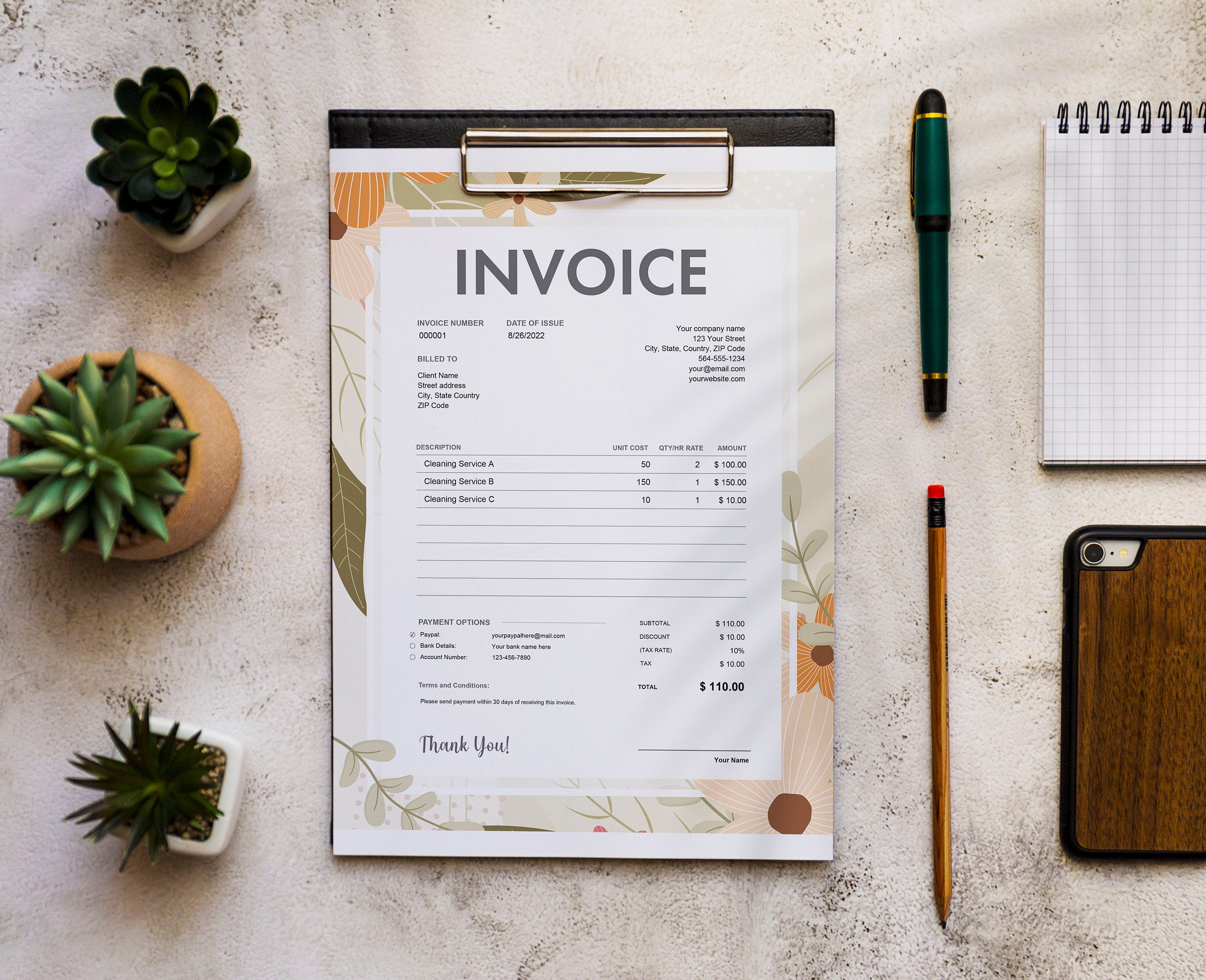
A good invoice template, such as a cleaning service invoice template word, can help you organize your invoices in a way that is easy for clients to understand. This includes clearly outlining the services provided, the cost of each service, and any additional fees or taxes. By using a template, you can ensure that your invoices are consistent and professional, which can help to build trust with your clients. For example, if you're using a word processor like Microsoft Word, you can easily customize a template to fit your business's specific needs.
Customizing Your Invoice Template
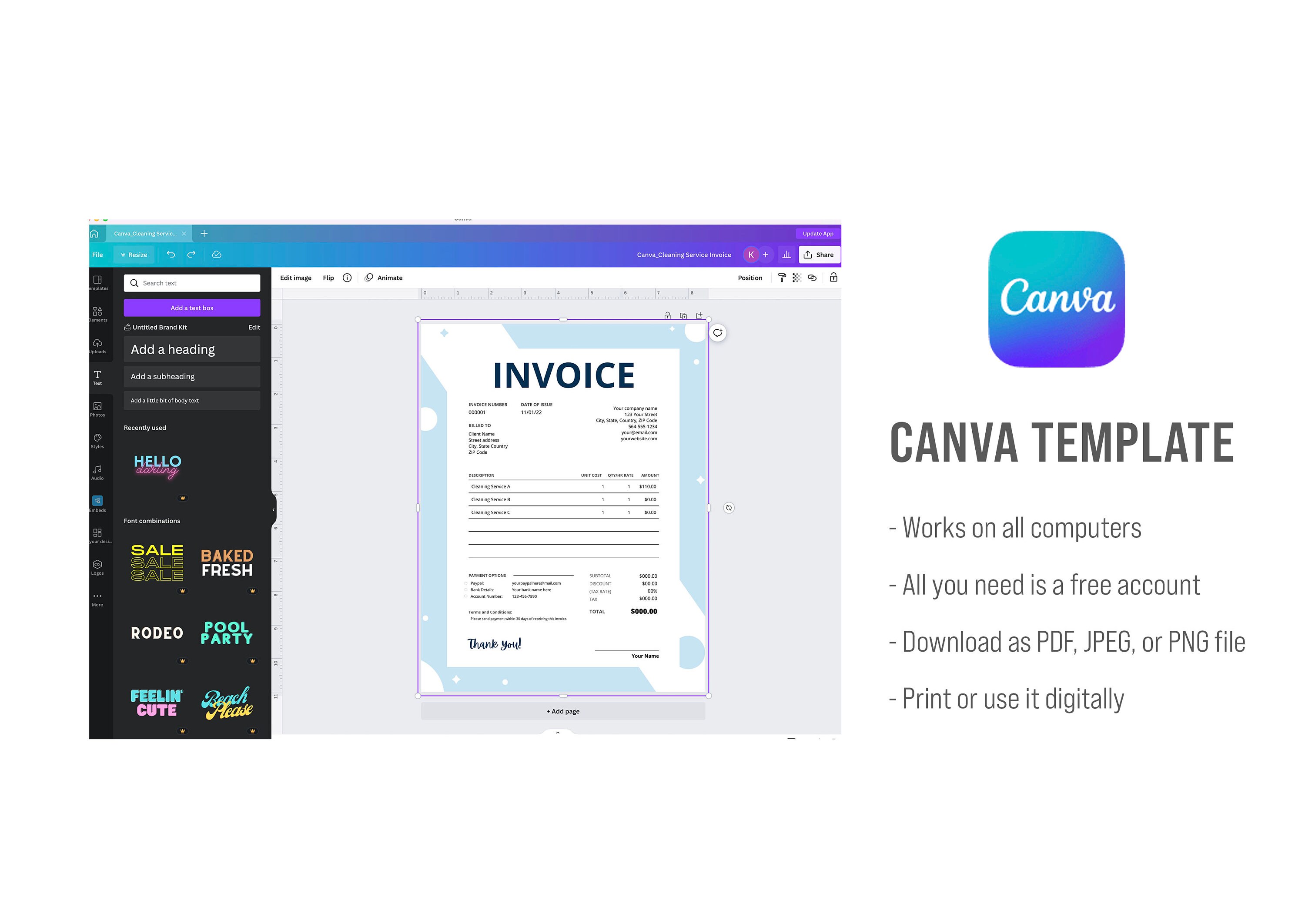
One of the benefits of using a word processor to create your invoices is the ability to easily customize the template. You can add your business's logo, change the font and color scheme, and even add or remove sections as needed. This allows you to create an invoice that accurately reflects your business's brand and style. Additionally, you can use features like tables to organize complex information, such as a breakdown of services provided and their corresponding costs.
Streamlining Your Invoicing Process
Putting it All Together
By using a cleaning service invoice template word and customizing it to fit your business's needs, you can streamline your invoicing process and make it easier to get paid on time. Here's an actionable tip: take the time to set up a template that works for you, and then use it consistently for all of your invoices. This will help you to stay organized and ensure that your clients receive professional, easy-to-understand invoices every time. For instance, you can create a table like this to outline services and costs:
| Service | Cost |
|---|---|
| One-time deep clean | $200 |
| Regular cleaning services | $100/month |
Here's What Makes the Difference
As you consider implementing a cleaning service invoice template word into your business operations, remember that this small step can have a significant impact on your overall efficiency and professionalism. In the bigger picture, having a well-organized invoicing system can lead to better client relationships, reduced administrative headaches, and more time to focus on what matters - growing your business and providing excellent services.
Perhaps you're still wondering if taking the time to customize an invoice template is worth the effort. Can it really make that big of a difference? The answer is yes. By presenting your clients with clear, detailed, and professional invoices, you're showing them that you value their business and are committed to transparency and accountability. This can be a major factor in building trust and loyalty, which are essential for long-term success.
Now that you're equipped with the knowledge to take your invoicing to the next level, why not take a moment to browse through our gallery of customizable templates, including the cleaning service invoice template word, and find the perfect fit for your business needs? You can also bookmark this page for future reference or share it with a colleague who might benefit from a more streamlined invoicing process. Whatever your next step is, we're here to support you in making it a successful one.
Related: Free Printable Dog Walking Invoice Template (Word)
Let's face it, getting paid for dog walking services can be a real hassle, especially when you're dealing with multiple clients and need a simple dog walking invoice template word to keep track of everything. Honestly, who has the time to create an invoice from scratch every time?
The truth is, as a dog walker, you're probably more concerned with giving those furry friends the best possible care, rather than spending hours on invoicing and accounting, here's the thing, it's a necessary evil if you want to get paid on time.
Look, the key to a successful dog walking business is finding ways to streamline your operations, and that includes invoicing - real talk, it's not the most glamorous part of the job, but it's essential.
So, what if you could find a way to make invoicing easier, faster, and less painful, would that make a difference to your business, and your sanity?
The Hidden Pitfalls of Dog Walking Invoices (And How to Avoid Them)
Let's face it, dog walking is a fantastic business. You get to spend your days with furry friends, enjoy the fresh air, and be your own boss. But amidst the tail wags and playful barks, there's a less glamorous side: paperwork. Specifically, invoices. A simple dog walking invoice template in Word seems like a quick fix, but it's easy to fall into common traps that can cost you time, money, and even clients.
The "One Size Fits All" Trap
Downloading a generic template might seem efficient, but it often leads to oversights. Does it account for different walking durations, additional services like feeding or grooming, or late cancellation fees? A truly effective dog walking invoice needs to be tailored to your specific offerings. *Think of it like a dog's collar – one size doesn't fit all breeds.*
The Missing Details Disaster
A barebones invoice with just the client's name, date, and amount is a recipe for confusion. Include essential details like the dog's name, walking duration, any additional services provided, and your payment terms. This clarity prevents disputes and ensures you get paid promptly. Remember, a detailed invoice protects both you and your client.
The Forgotten Follow-Up
Sending an invoice is only half the battle. Don't assume clients will remember to pay. A friendly reminder email a few days before the due date can work wonders. Consider using a template for this too, saving you time and ensuring consistency.
Crafting the Perfect Dog Walking Invoice: A Step-By-Step Guide
Ready to create an invoice that works for you? Here's a breakdown:
- Start with a Header: Include your business name, contact information, and logo (if you have one).
- Client Details: Name, address, and contact information.
- Service Breakdown: Clearly list each service provided, date, duration, and rate.
- Total Amount Due: Clearly state the total amount owed, including any taxes or discounts.
- Payment Terms: Specify your accepted payment methods and due date.
- Thank You Note: A simple "Thank you for your business!" goes a long way.
While a simple dog walking invoice template in Word can be a starting point, don't be afraid to customize it to reflect your unique business. A well-crafted invoice not only ensures you get paid, but also presents a professional image that keeps clients coming back for more tail-wagging adventures.
Here's What Makes the Difference
As you move forward with your dog walking business, it's essential to remember that the little things can add up to make a big difference. Having a professional and organized system in place, including a simple dog walking invoice template word, can help you stand out from the competition and build trust with your clients. This, in turn, can lead to more referrals, better reviews, and a stronger reputation in your community.
You might be thinking, but what if I'm not tech-savvy or good with numbers? Don't worry, creating and using an invoice template is easier than you think, and it's a skill that can be learned quickly. With a little practice, you'll be sending out professional-looking invoices in no time, and you'll be amazed at how much more streamlined your business operations become.
Now that you've learned about the importance of invoicing for your dog walking business, take a moment to browse our gallery of templates, including the simple dog walking invoice template word, and see which one works best for you. Feel free to bookmark this page or share it with a fellow dog walker who could use some help getting their business organized – and don't forget to check back soon for more tips and resources to help you succeed.
Related: Free Tax Worksheet Templates: Simplify Your Taxes Today
Tax season is here, and let’s be honest—it’s a headache. Between deciphering IRS jargon and hunting down receipts, you’re already overwhelmed. But what if I told you there’s a way to simplify the chaos? Enter free tax worksheet templates—your secret weapon for turning tax prep from a nightmare into something manageable. These aren’t just generic forms; they’re structured tools designed to keep you organized and ensure you don’t miss a single deduction.
Here’s the thing: taxes aren’t just about filing a form. They’re about keeping your financial house in order, maximizing your refund, and avoiding costly mistakes. Right now, as deadlines loom and stress levels rise, having a reliable system is critical. These templates aren’t just for accountants—they’re for anyone who wants to take control of their finances without pulling their hair out. Honestly, if you’re still winging it with scattered notes or spreadsheets, you’re making it harder than it needs to be.
By the end of this, you’ll know exactly how to use these templates to streamline your process, save time, and maybe even uncover deductions you didn’t know existed. But first, let’s talk about why relying on memory or last-minute scrambling is a recipe for disaster. Oh, and quick tangent—did you know the average person spends 13 hours on tax prep? Yeah, let’s fix that.
The Hidden Pitfalls of DIY Tax Preparation
Let's face it: tax season is nobody's idea of a good time. But with the rise of free tax worksheet templates, more people are attempting to navigate the complexities of tax filing on their own. While these tools can be incredibly helpful, they're not a magic bullet. Here's what nobody tells you: even the best templates won't catch every nuance of your financial situation. For instance, if you've had a significant life change—like getting married, having a child, or starting a side hustle—a generic worksheet might not account for the new deductions or credits you're eligible for.
Common Mistakes to Avoid
One of the most frequent errors people make is **overlooking deductible expenses**. Whether it's unreimbursed work expenses or charitable donations, failing to document these can cost you hundreds, if not thousands, of dollars. Another pitfall is **misunderstanding tax credits versus deductions**. Credits directly reduce the amount of tax you owe, while deductions lower your taxable income. Confusing the two can lead to inaccurate filings. Lastly, **ignoring state-specific rules** is a common oversight. Even if a federal template works well, state taxes often have their own quirks that require additional attention.
When to Seek Professional Help
While free tax worksheet templates are great for straightforward returns, they're not always sufficient for complex situations. If you own a business, have multiple income streams, or recently inherited assets, it might be worth consulting a tax professional. They can identify opportunities you might miss and ensure compliance with all applicable laws. And yes, that actually matters—errors can lead to audits or penalties, which are far more costly than the fee for professional assistance.
Maximizing Your Tax Savings with the Right Tools
Choosing the Best Template for Your Needs
Not all free tax worksheet templates are created equal. Some are designed for freelancers, while others cater to homeowners or investors. Take the time to find one that aligns with your specific circumstances. For example, if you're self-employed, look for a template that includes sections for business expenses and estimated tax payments. A little research upfront can save you a lot of headaches later.
Actionable Tips for Accurate Filing
Here’s a specific tip: **keep detailed records throughout the year**. Use a spreadsheet or app to track income, expenses, and receipts. This makes filling out your tax worksheet a breeze and ensures you don’t miss anything. Another pro tip is to **double-check your math**. Even the smallest error can trigger an audit or delay your refund. Finally, **file early** to avoid last-minute stress and give yourself time to correct any mistakes.
Real-World Example: The Freelancer’s Dilemma
Consider Sarah, a freelance graphic designer who used a generic tax template her first year in business. She missed out on deducting her home office expenses, which cost her over $1,000 in potential savings. The next year, she switched to a template specifically designed for freelancers and caught up on all eligible deductions. The difference was night and day—not only did she save money, but she also felt more confident in her filing. **The right tool makes all the difference**, and sometimes, a little specialization goes a long way.
| Template Type | Best For | Key Features |
|---|---|---|
| Freelancer | Self-employed individuals | Business expense tracking, estimated tax payments |
| Homeowner | Property owners | Mortgage interest, property tax deductions |
| Investor | Stock or real estate investors | Capital gains, dividend income tracking |
Here's What Makes the Difference
As you consider the impact of organized financial planning on your life, remember that every small step counts in the grand scheme of achieving your long-term goals. Whether you're aiming to save for a big purchase, plan for retirement, or simply get a better grip on your monthly expenses, having the right tools can make all the difference. In the context of tax season, utilizing free tax worksheet templates can be a pivotal moment in streamlining your financial organization and ensuring you're making the most of your return.
For some, the thought of diving into tax planning might seem daunting, especially with the myriad of forms and figures involved. You might be wondering, what if I make a mistake or overlook something critical? It's natural to have doubts, but the key is to start somewhere and be consistent. Don't let the fear of the unknown hold you back from taking control of your financial future.
Now that you've taken the first step by educating yourself, consider exploring further resources that can aid in your tax planning journey. You might find it helpful to browse through a collection of free tax worksheet templates to find one that suits your needs. Feel free to bookmark this page for future reference or share it with someone who could benefit from a bit of financial clarity. The journey to financial stability is ongoing, and every bit of support and guidance can be invaluable.