





Printable Oahu Tour Planner Easy Overview
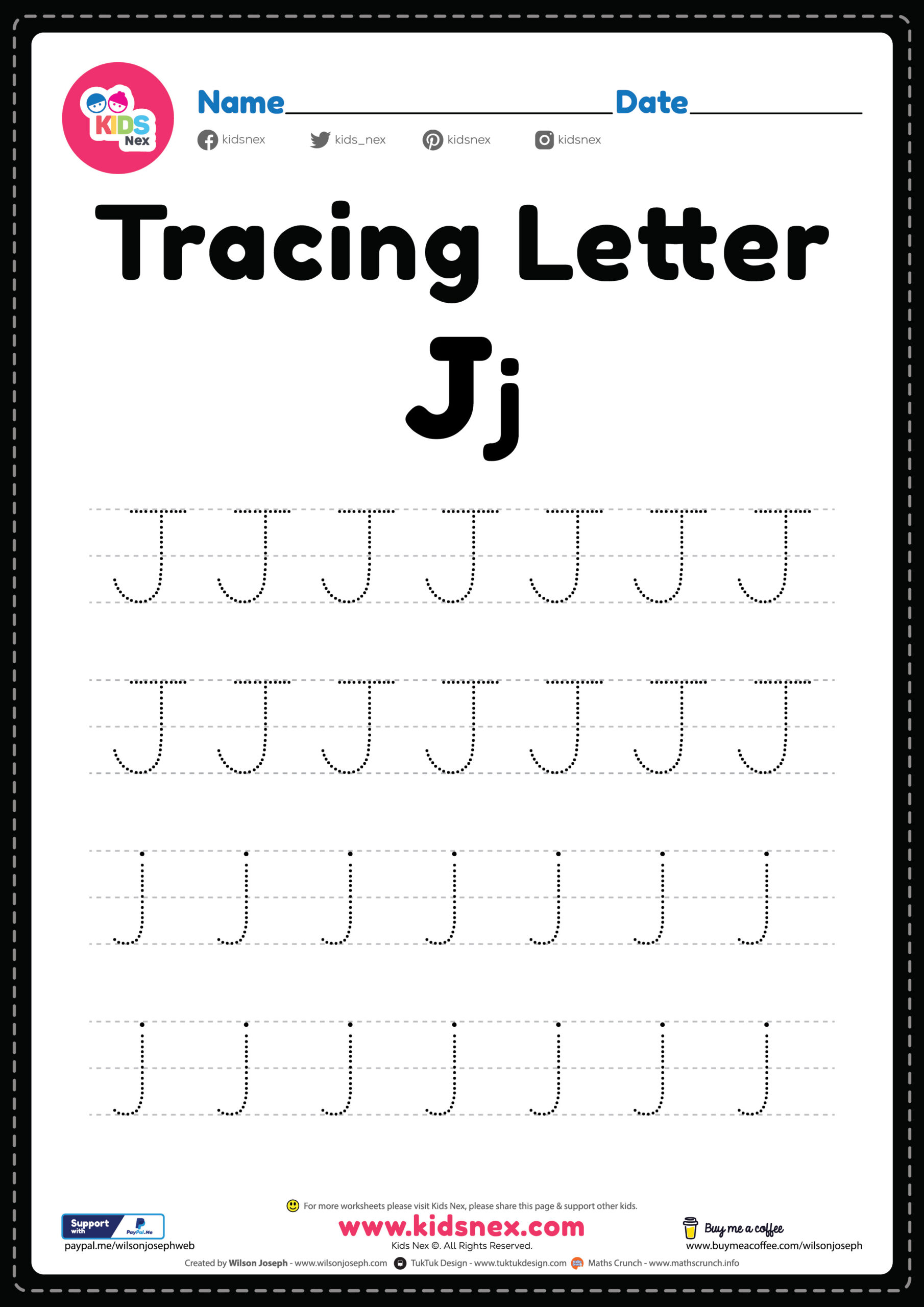
Teaching your little one the alphabet can feel like trying to solve a puzzle with missing pieces. Letter j worksheets for preschool might seem like just another tool, but here's the thing—they’re actually a game-changer for kids who are struggling to grasp those tricky letters. The letter J, with its quirky shape and sound, often trips up even the brightest toddlers. Sound familiar? You’re not alone.
Right now, as your child’s brain is soaking up information like a sponge, every moment counts. Ignoring this critical window could mean they fall behind in class, feeling frustrated and disconnected. But with the right tools, you can turn this challenge into a victory. Honestly, it’s not just about recognizing a letter—it’s about building confidence and a love for learning that sticks with them for life.
What if I told you these worksheets could make learning the letter J not just easy, but fun? Stick around, and you’ll discover how to turn alphabet practice into a bonding activity your child actually looks forward to. No more tantrums, no more tears—just progress and smiles.
The Part of Letter J Worksheets Preschoolers Actually Need
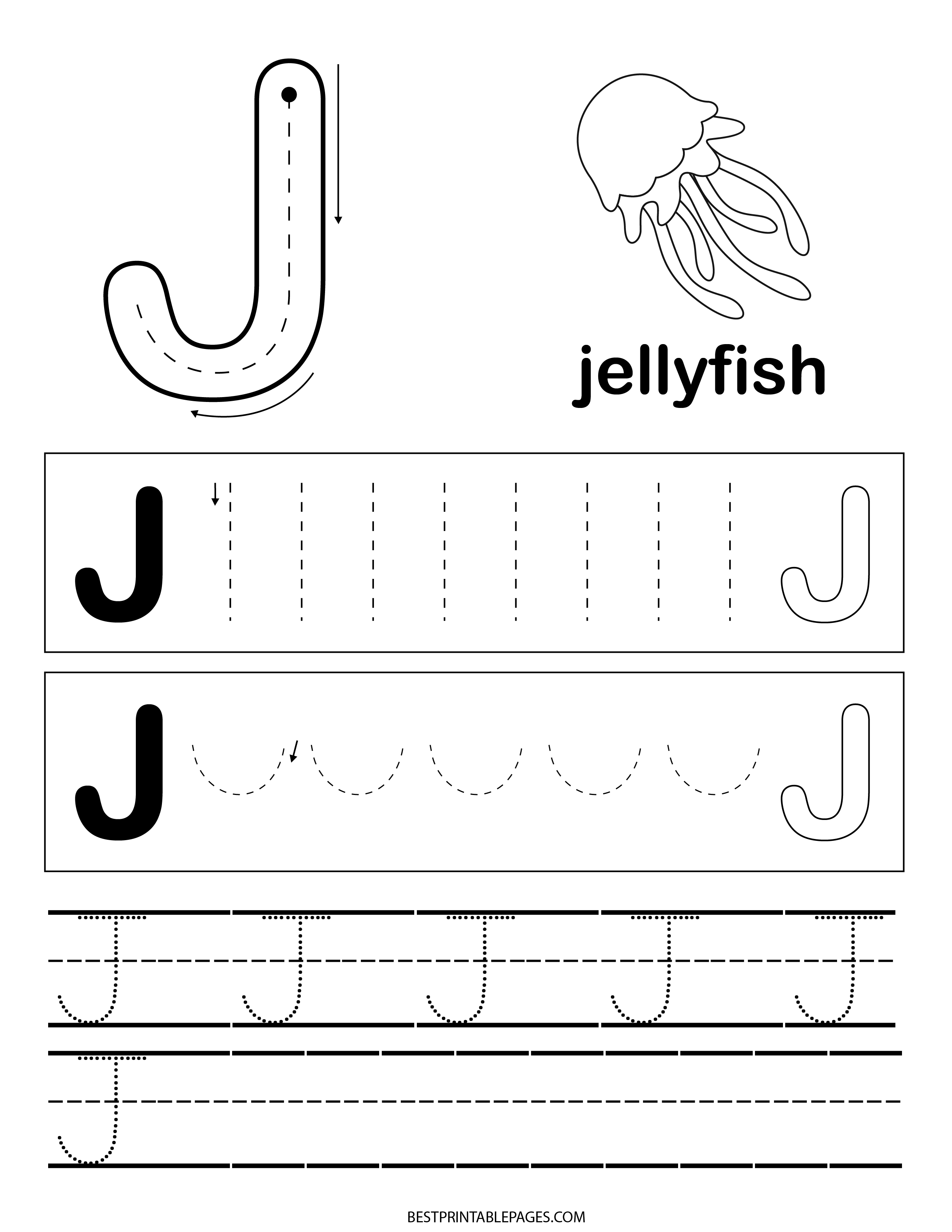
When it comes to teaching preschoolers the letter J, most worksheets focus on tracing and recognition. But here’s what nobody tells you: the real value lies in connecting the letter to real-world objects and sounds. Preschoolers learn best when they can associate letters with tangible experiences. For instance, instead of just tracing a J, pair it with words like "jump" or "jellyfish." This multisensory approach makes learning stickier and more engaging. And yes, that actually matters—especially for young minds that thrive on interaction.
Why Tracing Alone Isn’t Enough
Tracing worksheets are a staple in preschool classrooms, but they often fall short in fostering true understanding. While fine motor skills are important, repetitive tracing can feel monotonous for kids. Without context, the letter J remains just a squiggly line. To combat this, incorporate activities that involve movement or storytelling. For example, have kids "jump" like a jackrabbit while saying the letter sound. This not only reinforces the letter but also makes learning fun and memorable.
The Power of Play-Based Learning
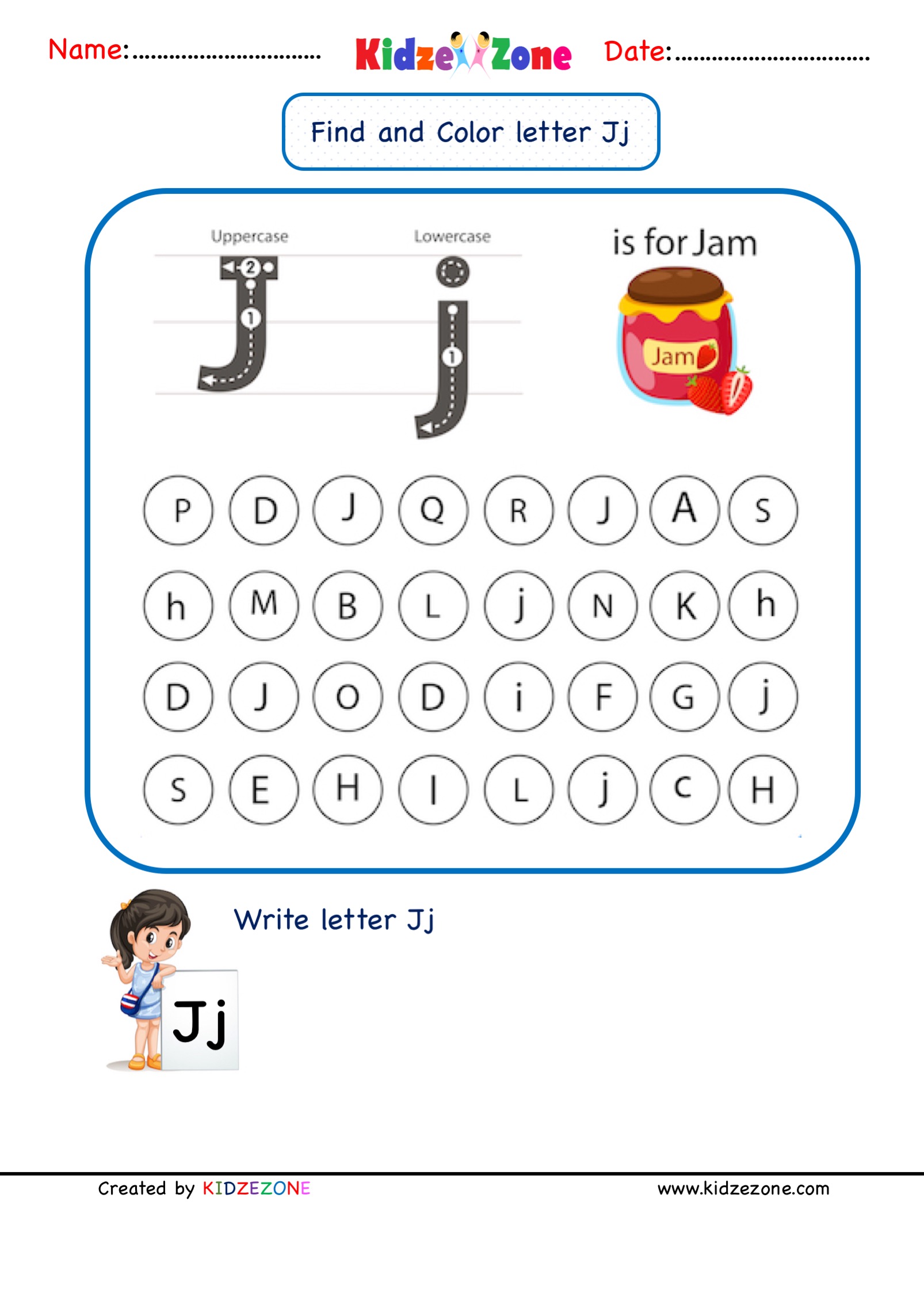
Play is a preschooler’s natural language, and it should be at the heart of any learning activity. Letter J worksheets preschool can be transformed into games or interactive tasks. Try creating a "J scavenger hunt" where kids search for objects that start with J, like a jar or a jacket. Another idea is to use playdough to form the letter J, adding a tactile element to the lesson. These methods not only teach the letter but also encourage creativity and problem-solving.
Common Mistakes Parents and Teachers Make
One of the biggest mistakes is rushing through worksheets without checking for comprehension. Preschoolers may trace a J perfectly but still struggle to identify it in other contexts. Another pitfall is overloading kids with too many worksheets, which can lead to frustration and disinterest. Balance is key—mix worksheets with hands-on activities to keep kids engaged. Remember, the goal isn’t just to complete the sheet but to build a foundation for future reading and writing.
Overlooking Phonetic Awareness
Teaching the letter J without emphasizing its sound is a missed opportunity. Phonetic awareness is crucial for early literacy, yet it’s often overlooked in favor of visual recognition. Use rhymes or songs that highlight the /j/ sound, like "Jack and Jill" or "Itsy Bitsy Spider." This auditory connection helps preschoolers grasp the letter’s purpose beyond its shape.
Ignoring Individual Learning Paces
Every child learns at their own pace, but many worksheets are designed as one-size-fits-all. Some kids may master the letter J quickly, while others need more time. Be flexible and patient, offering additional support or challenges as needed. For struggling learners, break the lesson into smaller steps. For advanced kids, introduce more complex words or activities. Tailoring the approach ensures that no one gets left behind.
- Pair the letter J with real-world objects like "jar" or "jacket."
- Incorporate movement, such as jumping, to reinforce the letter sound.
- Use playdough or crafts to make learning tactile and fun.
Your Next Step Starts Here
Teaching your little one the alphabet is more than just a milestone—it’s the foundation for their future learning, creativity, and confidence. Every letter they master opens a door to new words, stories, and ideas. Letter j worksheets preschool aren’t just about tracing a shape; they’re about building fine motor skills, fostering focus, and sparking joy in learning. This small step today can lead to big leaps tomorrow, whether it’s reading their first book or writing their name with pride.
You might wonder if worksheets are really necessary or if they’ll hold your child’s interest. Here’s the truth: learning doesn’t have to feel like work when it’s designed with fun in mind. These worksheets are crafted to engage curious minds, turning practice into play. Plus, they’re flexible—use them at a pace that suits your child, whether it’s a quick five minutes or a cozy afternoon activity. There’s no pressure, just progress.
Ready to take the next step? Browse our gallery of letter j worksheets preschool and pick the ones that feel right for your little learner. Bookmark this page for easy access, or share it with a fellow parent who’s on the same journey. Every small effort today builds a brighter, more confident tomorrow. Let’s make learning an adventure they’ll love.
Related: Free Minimal Contractor Invoice Template for Word (Printable)
Let’s face it—invoicing as a contractor is a pain, especially when you’re juggling multiple clients and deadlines. You don’t need a cluttered, confusing document; you need something clean, straightforward, and professional. That’s where a minimal contractor invoice template word comes in. It’s not just about getting paid—it’s about looking polished while doing it, without spending hours formatting or worrying if you missed a crucial detail.
Right now, as a contractor, your time is money. Every minute spent fiddling with invoices is a minute you’re not working on your next project or, honestly, taking a well-deserved break. The problem? Most templates out there are either too basic or overly complicated. You need something that strikes the perfect balance—simple enough to use in seconds, but detailed enough to cover all your bases. And let’s be real, in today’s fast-paced world, your clients expect professionalism, even if you’re a one-person show.
Here’s the thing—this isn’t just about saving time. It’s about positioning yourself as a pro who values clarity and efficiency. By the end of this, you’ll know exactly how to streamline your invoicing process, avoid common pitfalls, and maybe even impress a client or two. Stick around, because what’s coming next could change the way you handle your business finances—for good.
The Part of Minimal Contractor Invoice Template Word Most People Get Wrong
When it comes to creating invoices, many contractors focus on getting the job done quickly, without considering the long-term implications of their invoice template. A well-designed invoice template can make all the difference in getting paid on time and maintaining a professional relationship with clients. One crucial aspect that is often overlooked is the level of detail required in an invoice. Clarity and transparency are essential in avoiding disputes and ensuring that clients understand what they are being charged for.
Understanding the Importance of Itemization
Itemization is a critical component of any invoice, as it provides a breakdown of the services or products provided. This is particularly important for contractors who offer a range of services, as it helps clients understand what they are being charged for. A good rule of thumb is to include a detailed description of each service, along with the corresponding cost. This can be achieved using a minimal contractor invoice template word, which can be customized to include all the necessary details.
Creating an Effective Invoice Template
Key Elements to Include
When creating an invoice template, there are several key elements to include. These include the contractor's name and contact information, the client's name and contact information, a description of the services provided, and the total cost. It's also essential to include a payment terms section, which outlines the payment methods accepted and the deadline for payment. Clear payment terms can help avoid disputes and ensure that clients understand their obligations.
Real-World Example
A good example of an effective invoice template is one that includes a table outlining the services provided, along with the corresponding costs. For instance:
| Service | Cost |
|---|---|
| Consultation | $100 |
| Design | $500 |
| Development | $1000 |
Your Next Step Starts Here
In the grand scheme of your business, every detail counts. From the quality of your work to the professionalism of your paperwork, it all contributes to how clients perceive you. A minimal contractor invoice template word isn’t just a document—it’s a reflection of your brand, your efficiency, and your respect for your clients’ time. By streamlining your invoicing process, you free up mental space to focus on what truly matters: delivering exceptional work and growing your business. Think of it as one less hurdle between you and your next big project.
You might be wondering, “Is a simple template really worth the effort?” The answer is yes. A cluttered, confusing invoice can leave a bad taste in a client’s mouth, even if your work is flawless. A clean, professional invoice, on the other hand, reinforces your credibility and makes it easier for clients to pay you promptly. It’s a small change with a big impact—one that pays for itself in saved time and smoother transactions.
Ready to take the next step? Browse our gallery of minimal contractor invoice template word options, bookmark this page for future reference, or share it with a fellow contractor who could use the help. Your business deserves tools that work as hard as you do. Let’s make invoicing the easiest part of your day.
Related: Free Printable Invoice Log Excel Template for Small Businesses
Let's face it, managing invoices can be a nightmare, especially when you're dealing with a multitude of clients and projects - that's where a well-organized invoice log excel can be a lifesaver. Honestly, I've seen businesses struggle to keep track of their invoices, leading to delayed payments and lost revenue.
The truth is, having a reliable system in place to manage your invoices is crucial for the financial health of your business, and here's the thing, it's not just about keeping track of payments, it's about being able to analyze your cash flow and make informed decisions.
Look, if you're still using a manual system or a bunch of scattered spreadsheets, you're likely wasting time and money - and that's just the tip of the iceberg, because when you don't have a clear picture of your invoices, you can't really plan for the future.
Real talk, getting your invoice log in order can be a total game-changer, and I'm not just talking about saving time, I'm talking about reducing stress and increasing productivity - so, what's the secret to making it all work seamlessly, and how can you get started with creating an effective invoice log excel that actually works for you?
The Hidden Pitfalls of Manual Invoice Tracking
Let's face it: most small businesses start with a simple spreadsheet for invoice tracking. It seems logical—you've got Excel, you know the basics, and it's free. But here’s the thing: as your business grows, that “simple” system becomes a tangled mess. Suddenly, you’re spending hours hunting down missing invoices, double-checking payments, and manually updating rows. Sound familiar? That’s because an invoice log in Excel, while convenient at first, often turns into a time-sucking black hole when not managed properly.
The Illusion of Control
One of the biggest misconceptions is that a spreadsheet gives you full control. In reality, it’s easy to overlook errors like duplicate entries, missed payments, or incorrect totals. For instance, a misplaced decimal point or a forgotten formula can throw off your entire system. And let’s not forget the dreaded “save over” mistake—one wrong click, and hours of work vanish. An invoice log in Excel might feel organized, but it’s only as reliable as the person managing it.
Scalability Issues
Here’s what nobody tells you: spreadsheets don’t scale well. When you’re handling 10 invoices a month, it’s manageable. But when that number jumps to 50, 100, or more? Chaos ensues. Filtering, sorting, and updating become tedious tasks that eat into time better spent on growing your business. Plus, sharing a spreadsheet with multiple team members often leads to version control nightmares. Ever had to reconcile conflicting edits? It’s not fun.
How to Make Your Invoice Log Excel Work Smarter, Not Harder
Automate the Basics
If you’re determined to stick with Excel, at least automate the repetitive stuff. Use formulas like SUMIF for calculating totals and VLOOKUP for cross-referencing data. For example, set up a formula to flag overdue invoices automatically. This saves time and reduces errors. Pro tip: create a template with predefined formulas and formatting—it’ll save you from reinventing the wheel every time.
Leverage Conditional Formatting
Conditional formatting is your best friend for spotting issues at a glance. Highlight overdue invoices in red, paid invoices in green, and pending ones in yellow. This visual cue makes it easier to prioritize tasks. *And yes, that actually matters* when you’re juggling multiple clients and deadlines. It’s a small tweak, but it transforms your invoice log from a static sheet into a dynamic tool.
Back It Up—Seriously
This might seem obvious, but it’s shocking how many businesses skip this step. Always keep a backup of your invoice log in Excel. Cloud storage services like Google Drive or OneDrive are perfect for this. Set up automatic backups so you’re not left scrambling if your computer crashes or a file gets corrupted. Trust me, the peace of mind is worth it.
| Feature | Manual Excel | Automated Tools |
|---|---|---|
| Error Rate | High | Low |
| Time Efficiency | Low | High |
| Scalability | Poor | Excellent |
Here's What Makes the Difference
As you step back and look at the bigger picture, it's clear that mastering tools like invoice log excel is not just about organizing your finances, but about creating a sense of control and clarity in your work and life. This is where the real power of productivity lies, and it's what sets successful individuals and businesses apart from the rest.
But, you might be wondering, is it really worth the effort to learn and implement a new system? What's the point of putting in all this work if it's just going to save me a few hours a month? The truth is, it's not just about saving time - it's about creating a foundation for growth, scalability, and peace of mind. And that's priceless.
So, what's next? Take a moment to browse our resources, bookmark this page for future reference, or share it with someone who could use a boost in their own productivity journey. And when you're ready, dive into creating your own invoice log excel template - you never know where it might take you.


