QuickBooks Estimate Template Editing Guide

QuickBooks Estimate Template Editing Guide
Learn how to efficiently edit estimate templates in QuickBooks with this step-by-step guide, ensuring accuracy and professionalism in your business estimates.
JPG 1000×1200 Portrait High-Resolution Print ID: #01

Appears cleanly at the top edge when printed. Nothing is sent to a server.

Preparing print layout...

Print Setup & Sheet Specs

This portrait edit estimate template quickbooks layout (QuickBooks Estimate Template Editing Guide, ID #01) measures 1000×1200 px in JPG format.

Keep Portrait orientation selected for clean alignment on US Letter (8.5 × 11 in) or A4 paper. Choose Fit to Printable Area or Actual Size (100%) so edges do not clip. Enter a name in the box above if you want a printed header.

Collection Context: Part of the edit estimate template quickbooks printable set formatted for home and classroom printing. View every option in the full edit estimate template quickbooks gallery.

View full edit estimate template quickbooks collection
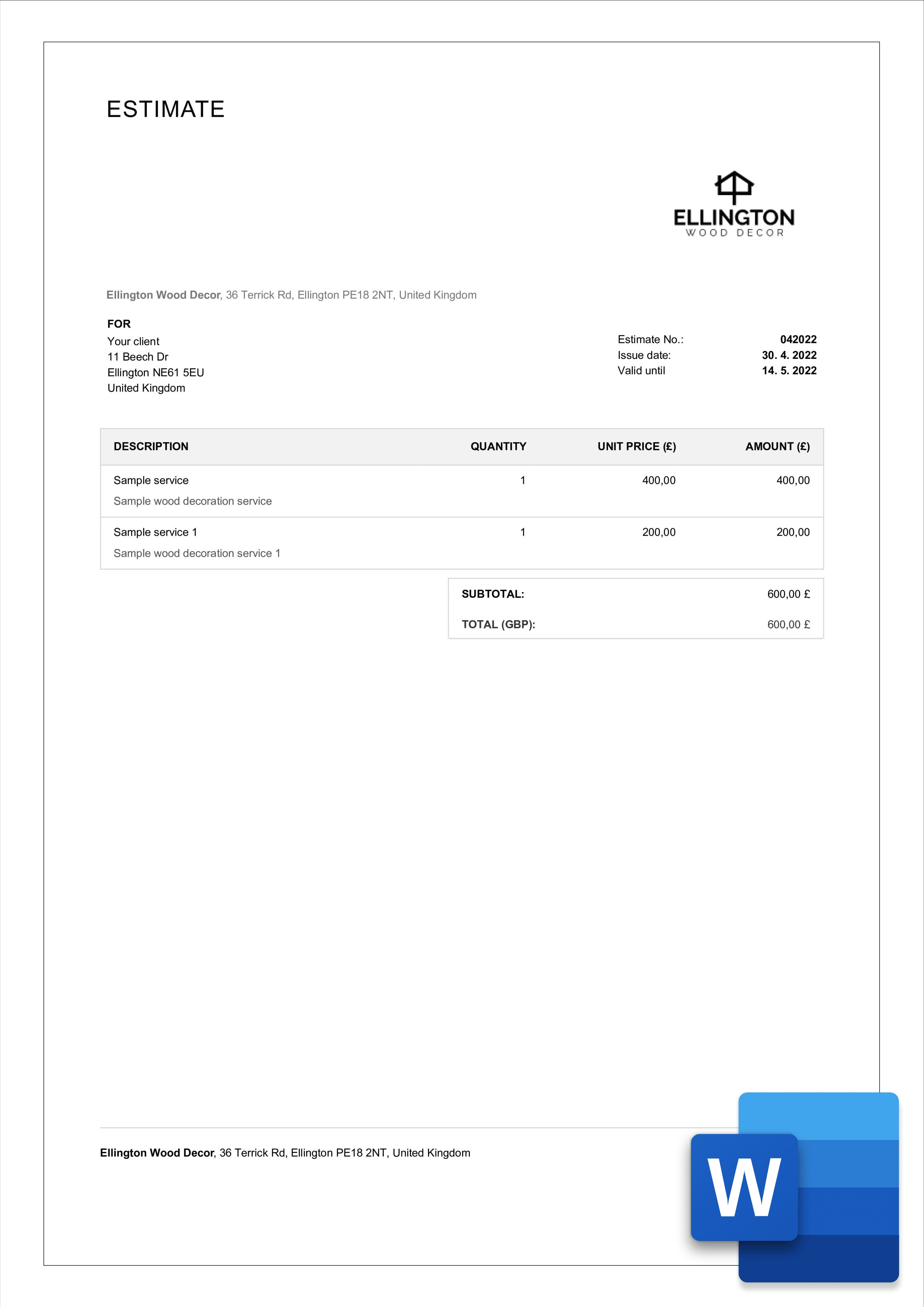
Managing finances can be a nightmare, especially when you're dealing with estima...
Discover tips and tricks for customizing QuickBooks estimate templates to match your brand and meet specific business needs effortlessly.
Master the art of quick editing in QuickBooks estimate templates to save time and streamline your estimating process for better productivity.
Create professional-looking estimate templates in QuickBooks by following these editing techniques to enhance your business image and client trust.
Explore how to edit and save QuickBooks estimate templates for future use, ensuring consistency and efficiency in your estimating workflow.
Dive into advanced editing features for QuickBooks estimate templates to tailor them to complex business requirements and improve accuracy.
Streamline your estimating process by learning how to edit and optimize QuickBooks estimate templates for faster and more accurate results.
Get creative with QuickBooks estimate template design by applying these editing tips to make your estimates stand out and impress clients.
Boost efficiency by mastering the editing tools for QuickBooks estimate templates, reducing errors and improving overall workflow.
Personalize your QuickBooks estimate templates with these editing strategies to reflect your unique business identity and client preferences.